Start the plan
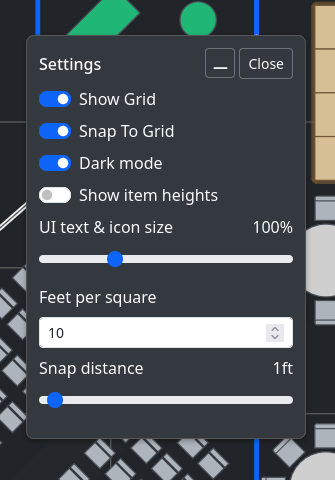
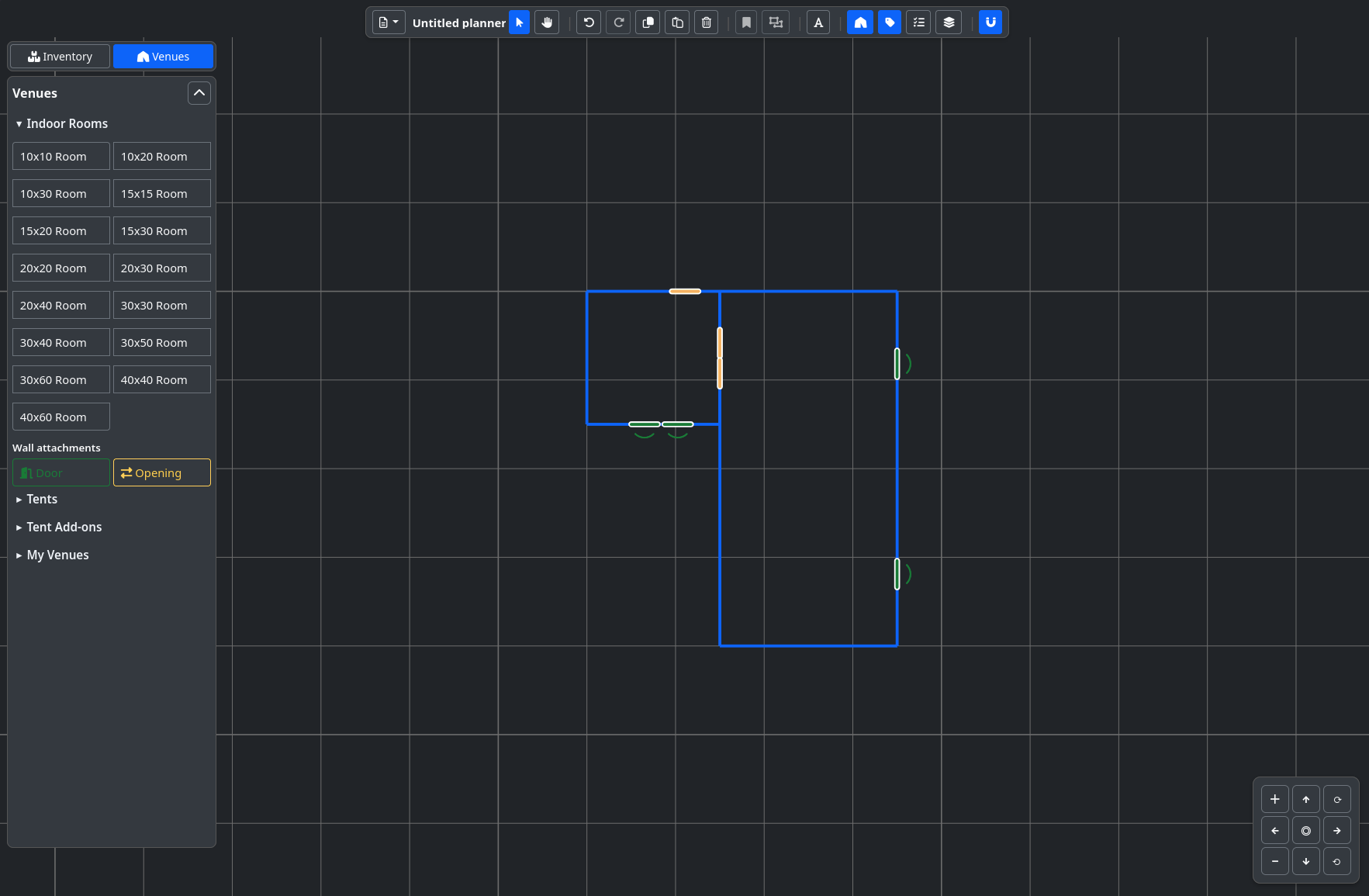
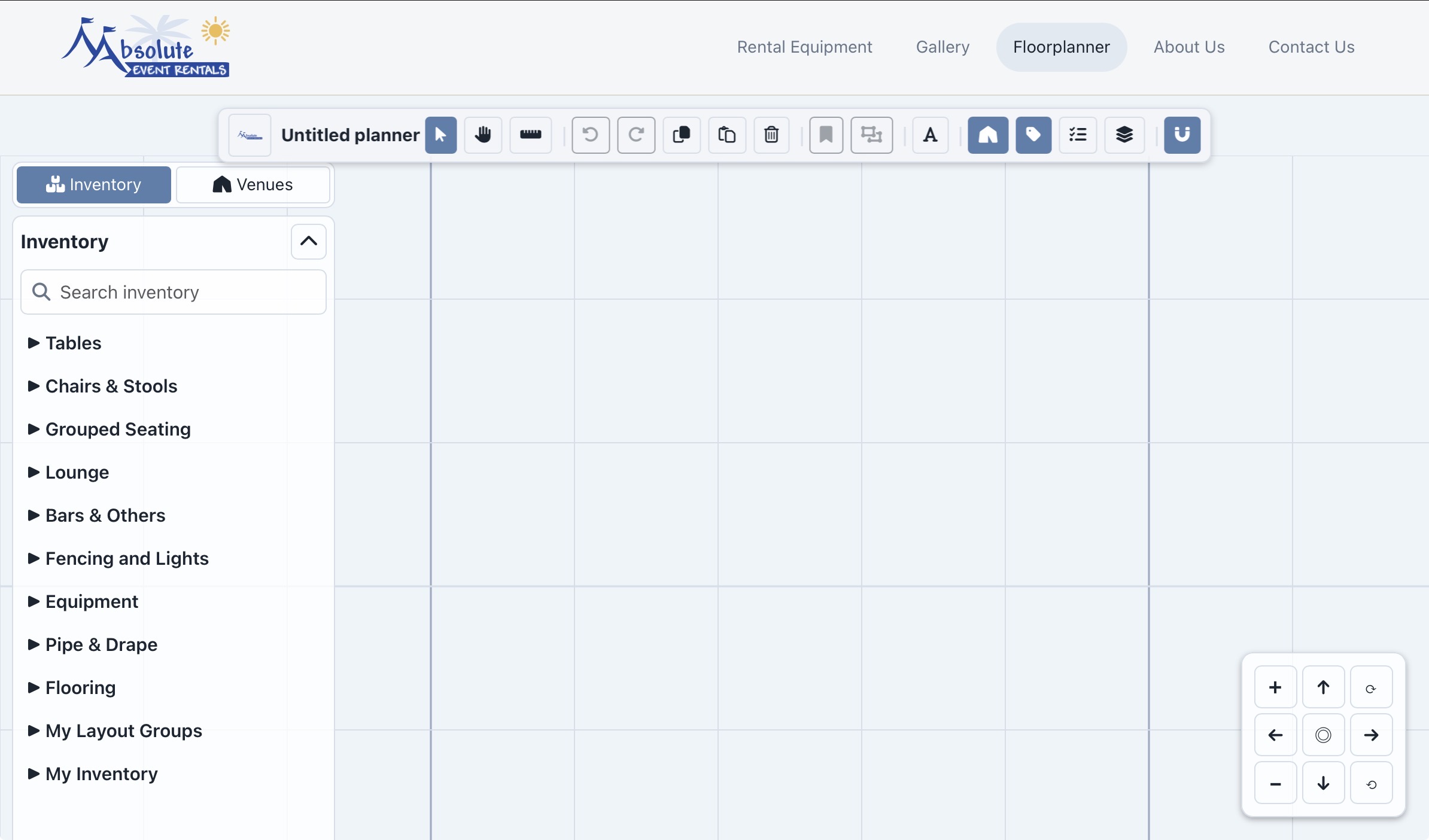
Choose a venue or begin on a blank canvas. Use Settings to control the grid, snap distance, and display scale.

>_ OPEN SOURCE / WORK IN PROGRESS
OpenEventCAD is a browser-based 2D planning engine for venues, inventory, reference images, setup documentation, and custom builds that stay modular and integrate into current systems.
Screenshots and images may show an earlier version while fixes are in progress. Use the live demo for the current experience.
PUBLIC PREVIEW / BROWSER-FIRST / JSON EXPORT
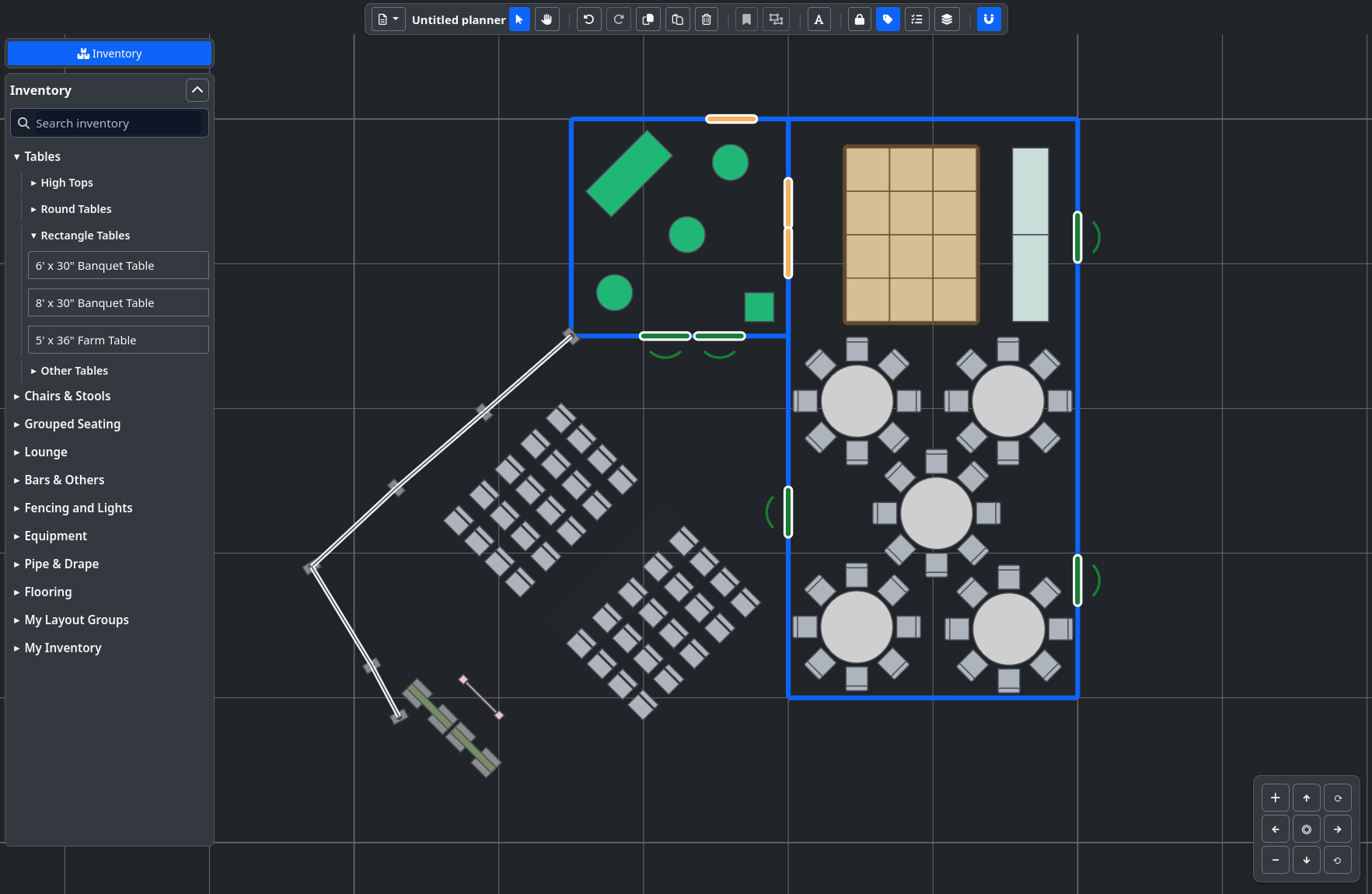
Use the planner in the order that makes sense: start a plan, set the canvas, place the work, organize the layers, then save or print the result.
Choose a venue or begin on a blank canvas. Use Settings to control the grid, snap distance, and display scale.
Place flooring, seating, stages, inventory, decor, equipment, runs, and grouped layouts from the planning tools.
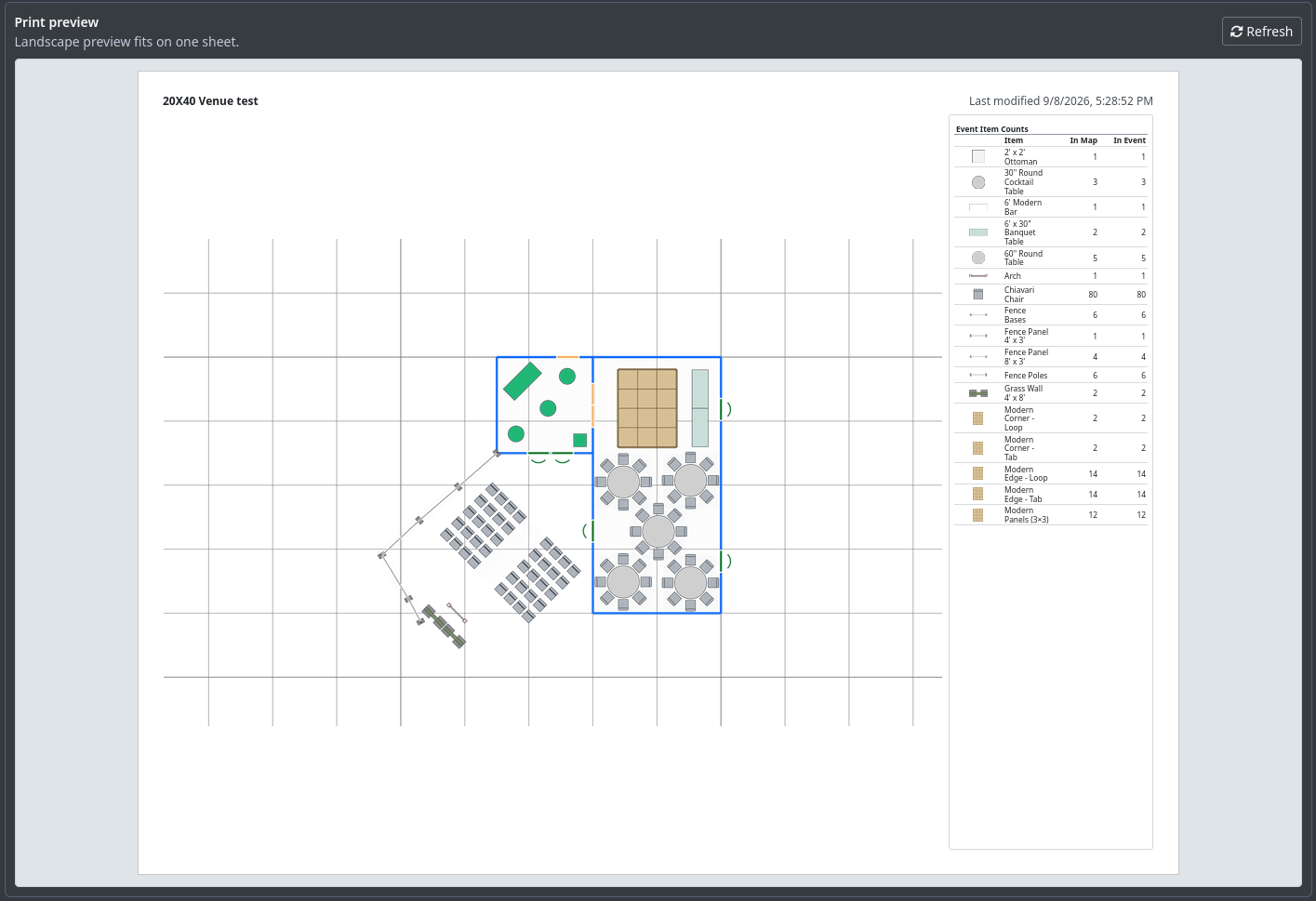
Review the Inventory Key, print a Setup Map or Event Plan Info sheet, and export JSON for a portable project file.
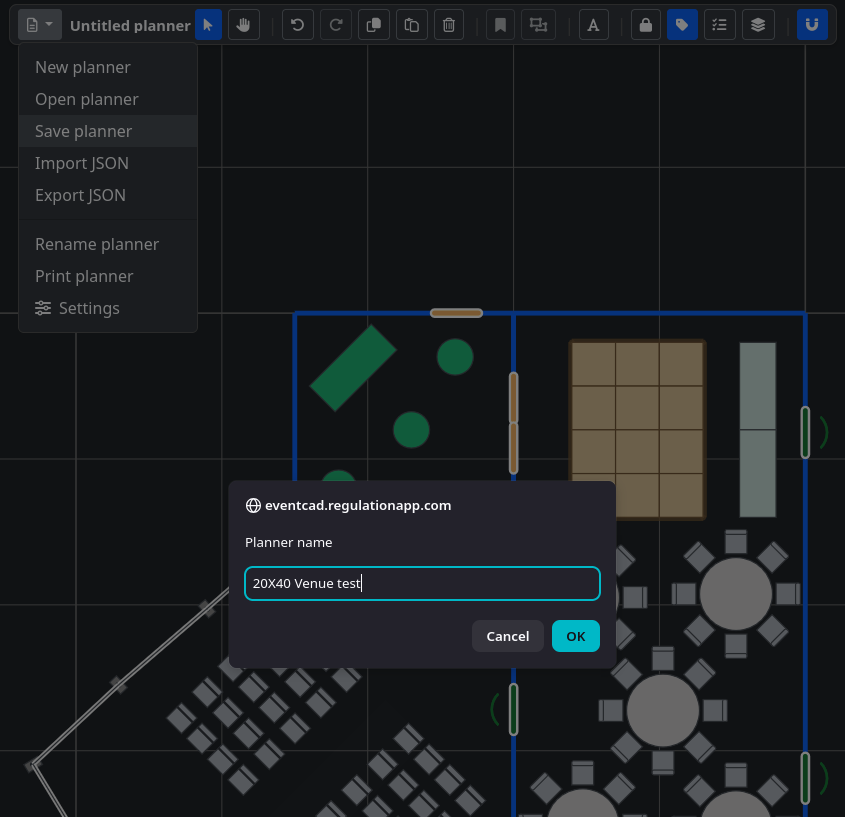
Use this row while you work on the canvas. The controls move from file and selection actions into plan organization, review, and placement behavior.

INVENTORY TOOLS
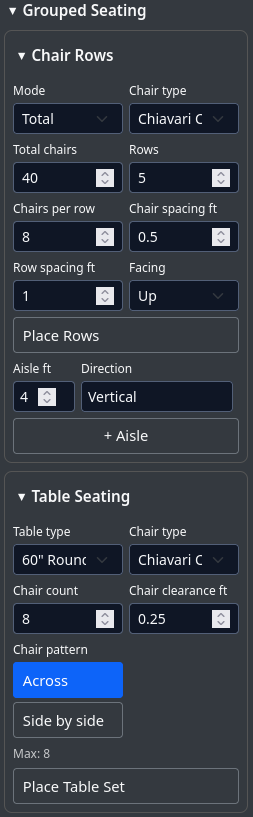
Build chair rows and table seating as a set, with the spacing, aisles, facing, and pattern set before placement.
Draw connected Pipe & Drape, fence, and bistro-light runs along the setup line.
Add the footprint first, then edit dimensions, labels, and stage attachments in the plan.
Save a selected arrangement and place it again as a reusable group.
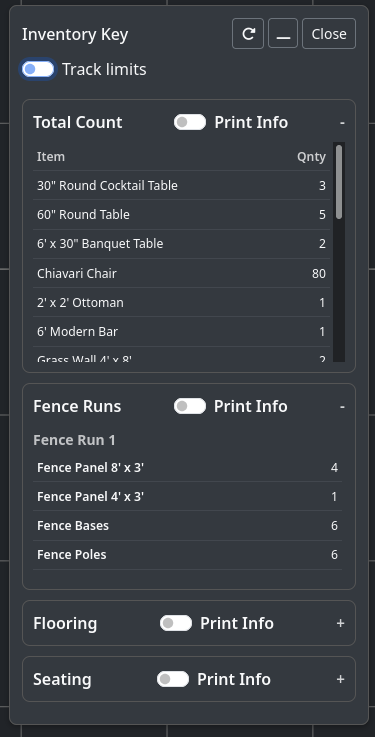
INVENTORY KEY
Review item counts and setup details for Pipe & Drape, fence and light runs, flooring, and seating. Select the detail sections that belong in the printed handoff.
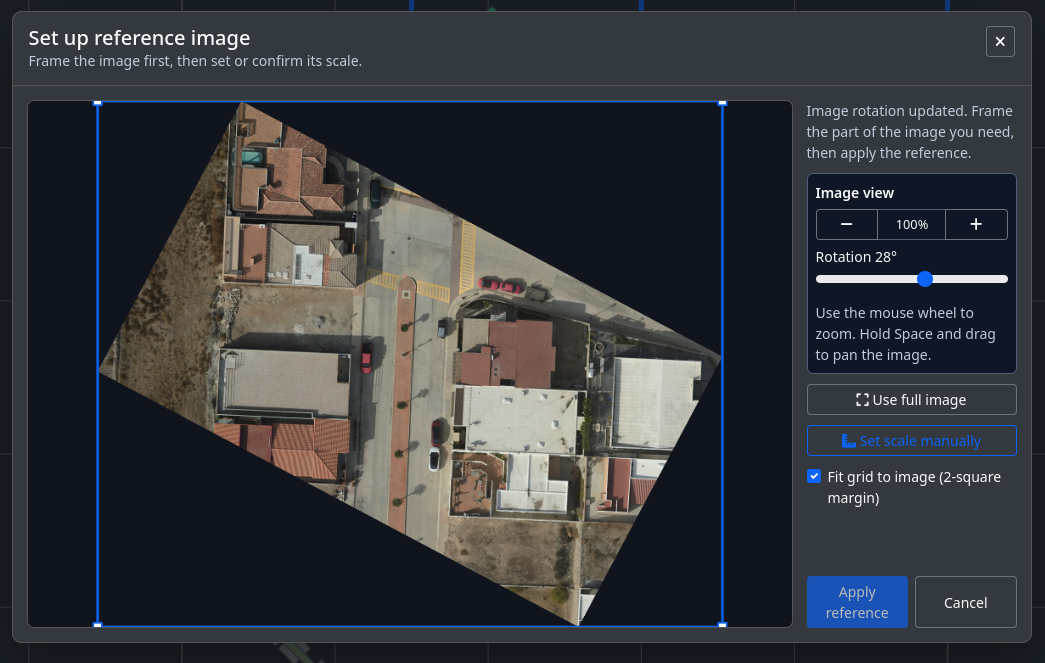
Start with a venue, a blank canvas, or a manual reference image. Then set scale and snap, place the work, review the plan, and create the handoff.
Reference images remain useful for site drawings, room plans, custom venues, and custom items. Add them from Layers, rotate and scale them, adjust opacity, then lock them behind the active plan.
Keep the planning core as the base while changing the inventory, venues, logo, CSS, font, and surrounding experience for a specific organization.
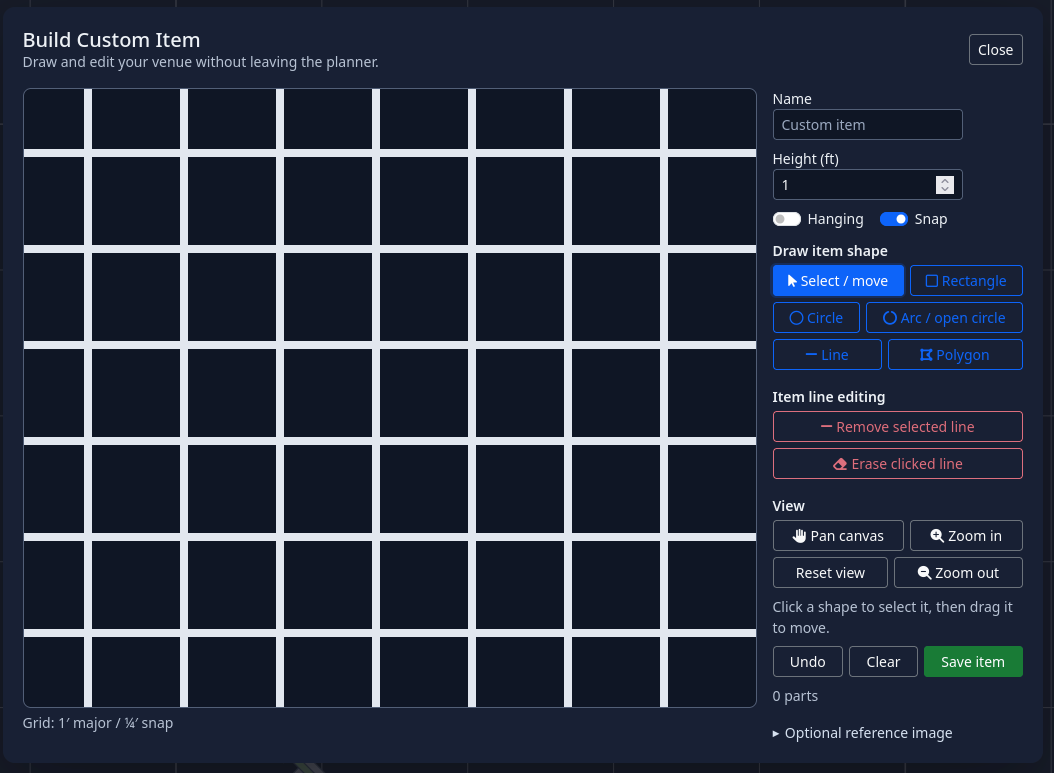
CUSTOM ITEMS + CUSTOM VENUES
Use the builder for custom inventory footprints and custom venue geometry. Then shape the rest of the build around your own catalog and visual system.
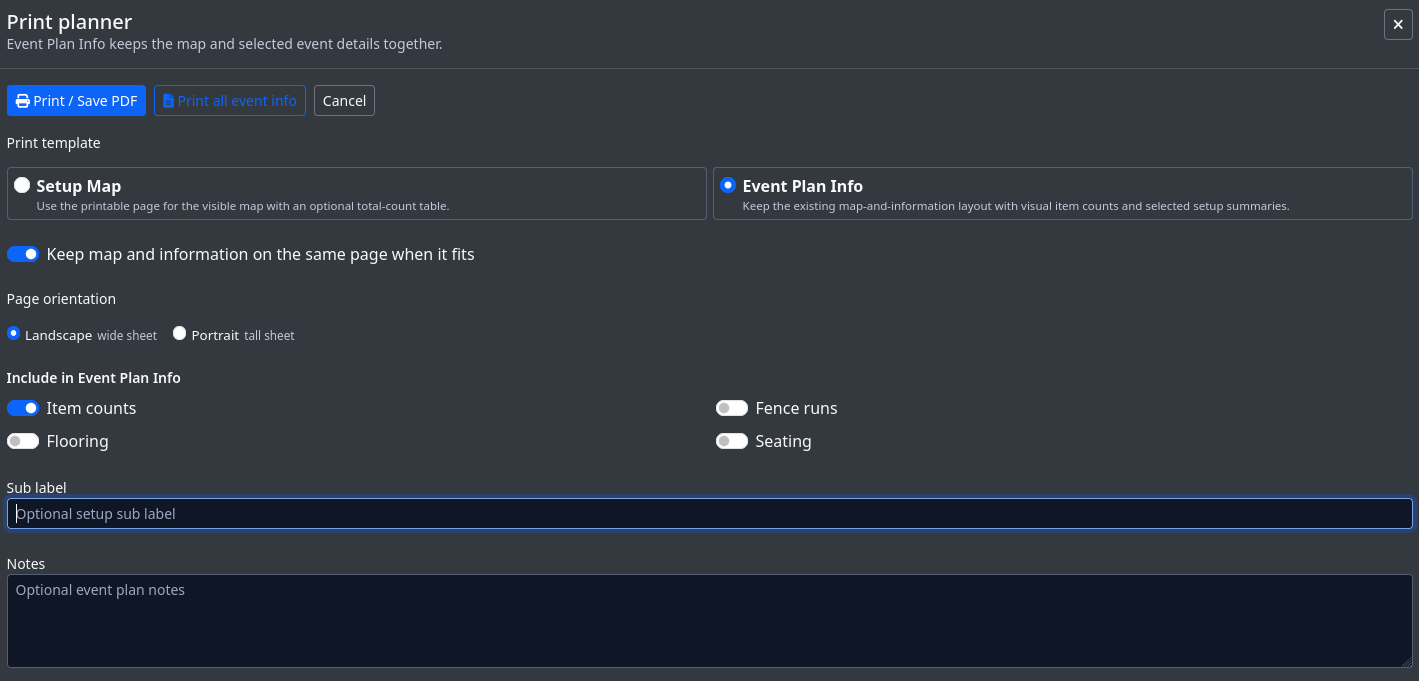
Print settings control what goes into the handoff: map, item counts, flooring, seating, fence runs, labels, notes, and page orientation.
OpenEventCAD is available as a public project for people who want to inspect the source, adapt the engine for their own operation, or contribute to the build.
WORK IN PROGRESS — A one-person proof-of-concept build and foundation for a broader event-planning app.
GITHUB / OPEN EVENT CAD
Use the public engine as the planning core, then make the surrounding build fit the organization: its branding, website, inventory, venues, and workflow.
VIEW ON GITHUBThis engine is still a work in progress. Found a bug or have an idea that would make event planning easier? Send it directly to the project review queue.
Submissions go to a private review dashboard. Contact details are optional.
The public engine demo is live and ready to try.